Compare scans.
Keep dated health reports on your device. Review new and no-longer-observed codes for the same VIN and scope, and share a PDF.
 G Flasher
Every fault code and every measurement tells a story. Read, compare and record your engine data with G Flasher. One focused vehicle workspace.
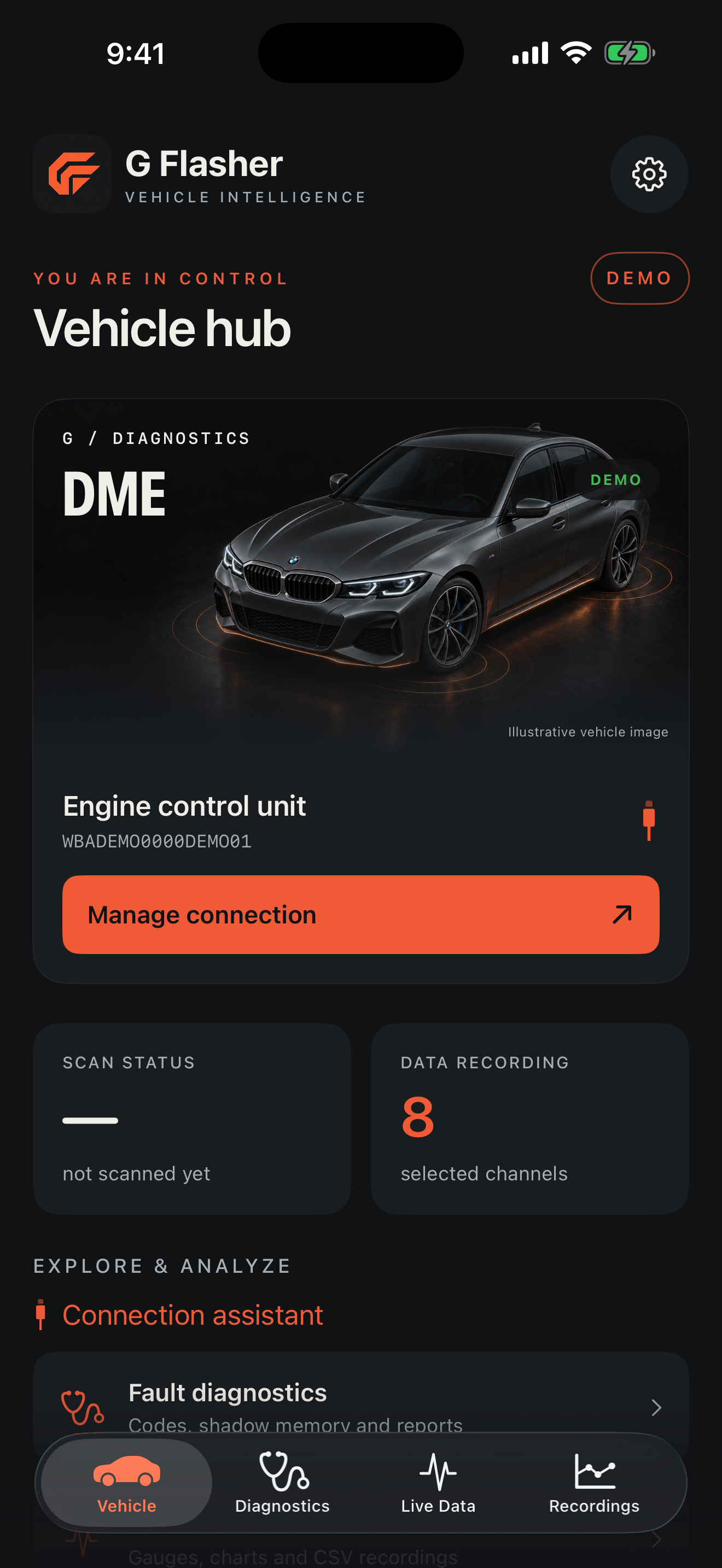
From connection to diagnosis, from live measurements to recorded sessions. Your vehicle data, in your own layout.
Actual app in demo mode · Simulated data · English interface
Keep dated health reports on your device. Review new and no-longer-observed codes for the same VIN and scope, and share a PDF.
Compare two CSV sessions, inspect channel statistics and add timestamped event notes to the chart.
Check your adapter, iOS Local Network permission, vehicle discovery and ECU access with the connection assistant.
The first release is built around BMW-focused ENET/HSFZ engine diagnostics. It does not promise universal support for every vehicle or control unit.
Contact support ↗USB-C Ethernet with an OBD ENET cable, or a WiFi-ENET adapter is required. Generic ELM327 Bluetooth adapters are not supported.
Extended measurement channels depend on ECU software version. Unsupported measurements may not be available.
Explore the interface without a vehicle. Perform real service operations while parked and follow the displayed preconditions.
No. This application does not flash an ECU, install firmware or change performance maps. Its focus is diagnostics, data analysis and supported service operations.
No. Connection, channels and service operations depend on the engine control unit, ECU software and adapter. Contact support to discuss vehicle compatibility.
Garage details and CSV files stay on your device. No account or VIN authorization is required. The app does not send data to a server; sharing is initiated by you.
The iOS release is being prepared. An App Store link is not available yet. It will appear here after release.
The app interface supports English and Turkish, following your iPhone app language preference.
Tell us your vehicle model, year and adapter so we can check the details with you.